The Fundamental Difference: Transparency vs. Compression
When creating digital graphics, banners, presentations, or website assets, choosing the correct image format is essential for professional visual output.
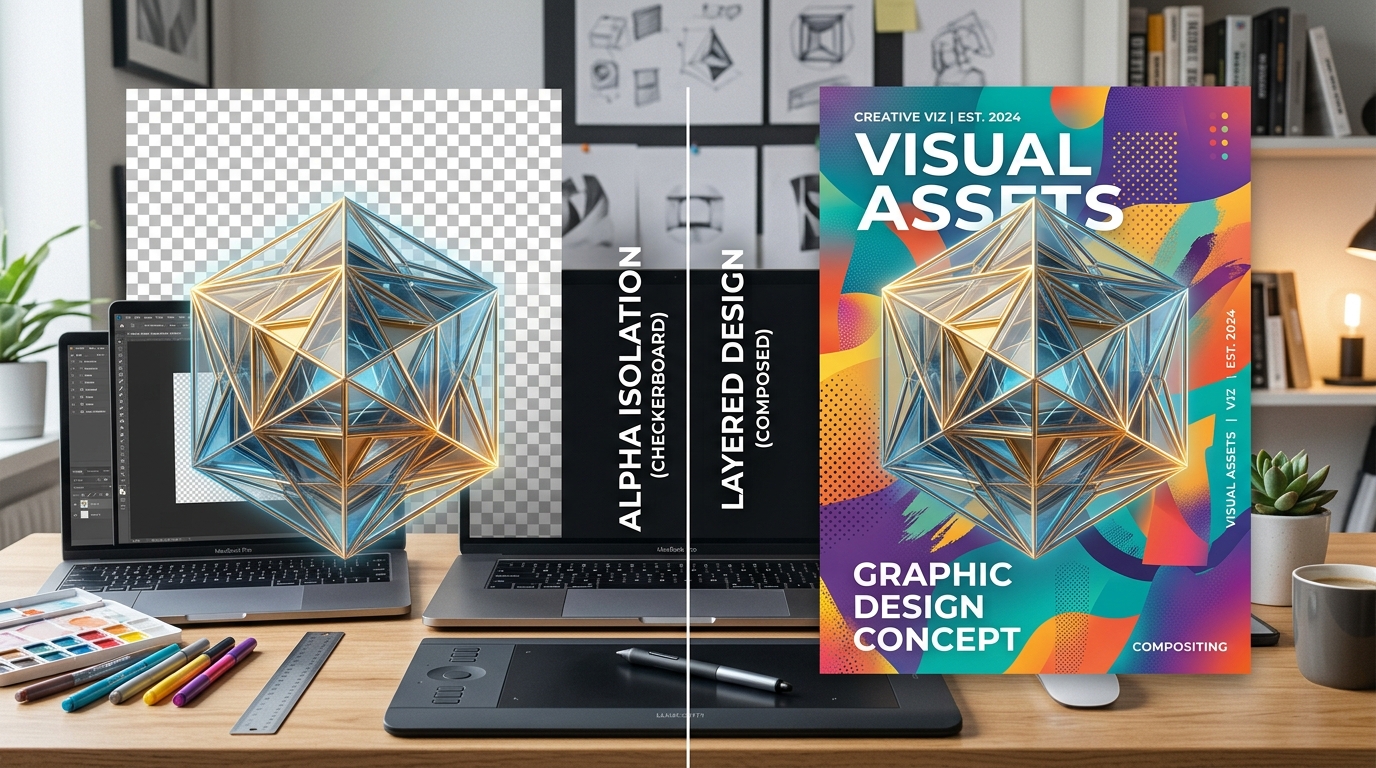
The most common point of confusion for beginners and non-designers is why pasting a JPG image into a design tool results in an unwanted solid white box, while a PNG file blends effortlessly over any background.
Here is the technical reality broken down simply:
Technical Comparison: PNG vs. JPEG vs. WebP
| Feature | PNG (PNG-24 / 32) | JPEG (JPG) | WebP |
|---|---|---|---|
| Alpha Transparency Support | Yes (Full 8-bit alpha / 256 levels) | No (Solid background only) | Yes (Lossless & lossy alpha) |
| Compression Type | Lossless (Zero quality degradation) | Lossy (Artifacts along sharp edges) | Both lossy and lossless |
| Ideal For | Cutouts, logos, icons, text graphics | Continuous tone photos with backgrounds | Modern web imagery and cutouts |
| Color Depth | 24-bit RGB + 8-bit Alpha (32-bit total) | 24-bit RGB (No alpha channel) | 24-bit RGB + 8-bit Alpha |
| Browser Compatibility | 100% universal across all platforms | 100% universal across all platforms | 97%+ modern browsers |
What Is an Alpha Channel?
Digital images are made up of color channels:
When you use Remove Backgrounds Online, the engine analyzes your photo, identifies the subject boundaries, and converts the background pixels to an Alpha value of 0.
Crucially, pixels along the edge of your subject receive intermediate values (e.g., 64, 128, 192). This produces sub-pixel anti-aliasing, which eliminates harsh jagged stair-stepping and ensures hair, cloth, and curved lines blend smoothly against whatever color you place beneath them.
4 Practical Design Use Cases for Transparent Cutouts
1. Website Hero Banners & Landing Pages
Instead of embedding a blocky rectangular photo, place a transparent person or product cutout directly over your website's CSS background gradient or pattern. This adds dimensional depth and modern visual appeal to your interface.
2. Slide Presentations (PowerPoint, Keynote, Google Slides)
Nothing looks less professional than pasting a product or logo with a white box over a dark presentation slide. Using a transparent PNG cutout allows elements to sit cleanly beside bullet points and charts.
3. Social Media Ads and Thumbnails
YouTube thumbnails and Instagram promotional posts thrive on layered compositions:
4. Merchandising & Print-on-Demand (T-Shirts, Mugs, Stickers)
Print-on-demand services (Printful, Redbubble, Teespring) strictly require transparent PNGs. If you upload a JPG with a white background, the printing machines will literally print a white rectangle onto colored apparel.